Local Authentication
Local authentication uses Zymtrace's built-in identity service to manage authentication and authorization. This is ideal for self-hosted deployments where you don't have an existing identity provider.
Configuration
Add the following to your custom-values.yaml:

The Helm chart source code is available on GitHub: zystem-io/zymtrace-charts
auth:
  type: "local"

  admin:
    email: [email protected]
    password: "your-secure-password"
    roles:
      - "System Admin"
Refer to the Generating Signing Keys section below to create a pair of keys for your production deployment.
Generating Signing Keys
When deploying to production environments, update token signing keys. Generate them using OpenSSL:
# Generate ED25519 keys
openssl genpkey -algorithm ED25519 -out /tmp/private.pem
openssl pkey -in /tmp/private.pem -pubout -out /tmp/public.pem

# View the keys
cat /tmp/private.pem
cat /tmp/public.pem
Then add the keys to your custom-values.yaml:
custom-values.yaml
auth:
  validation:
    # Optional: specify token issuers (defaults to gateway host)
    issuers:
      - "https://zymtrace.company.com"

    # Optional: specify token audiences (defaults to "zymtrace")
    audiences:
      - "zymtrace"

    # Token signing keys — choose one option below
    keys:
      # Option A: pass keys inline
      privateKey: |
        -----BEGIN PRIVATE KEY-----
        <your actual key>
        -----END PRIVATE KEY-----

      publicKey: |
        -----BEGIN PUBLIC KEY-----
        <your actual key>
        -----END PUBLIC KEY-----

      # Option B: reference an existing Kubernetes Secret
      # privateKeySecretName: "zymtrace-signing-keys"
      # privateKeySecretKey: "private-key"
      # publicKeySecretName: "zymtrace-signing-keys"
      # publicKeySecretKey: "public-key"
Keep private keys secret. Never pass them inline in values files committed to version control — use Option B (an existing Kubernetes Secret) instead.
Deployment
Deploy your backend with the local authentication configuration:
helm upgrade --install backend zymtrace/backend \
  --namespace zymtrace \
  -f custom-values.yaml \
  --debug \
  --atomic
Accessing the System
- Navigate to your Zymtrace URL:
https://zymtrace.company.com - Log in with the admin credentials you configured
- Create additional users
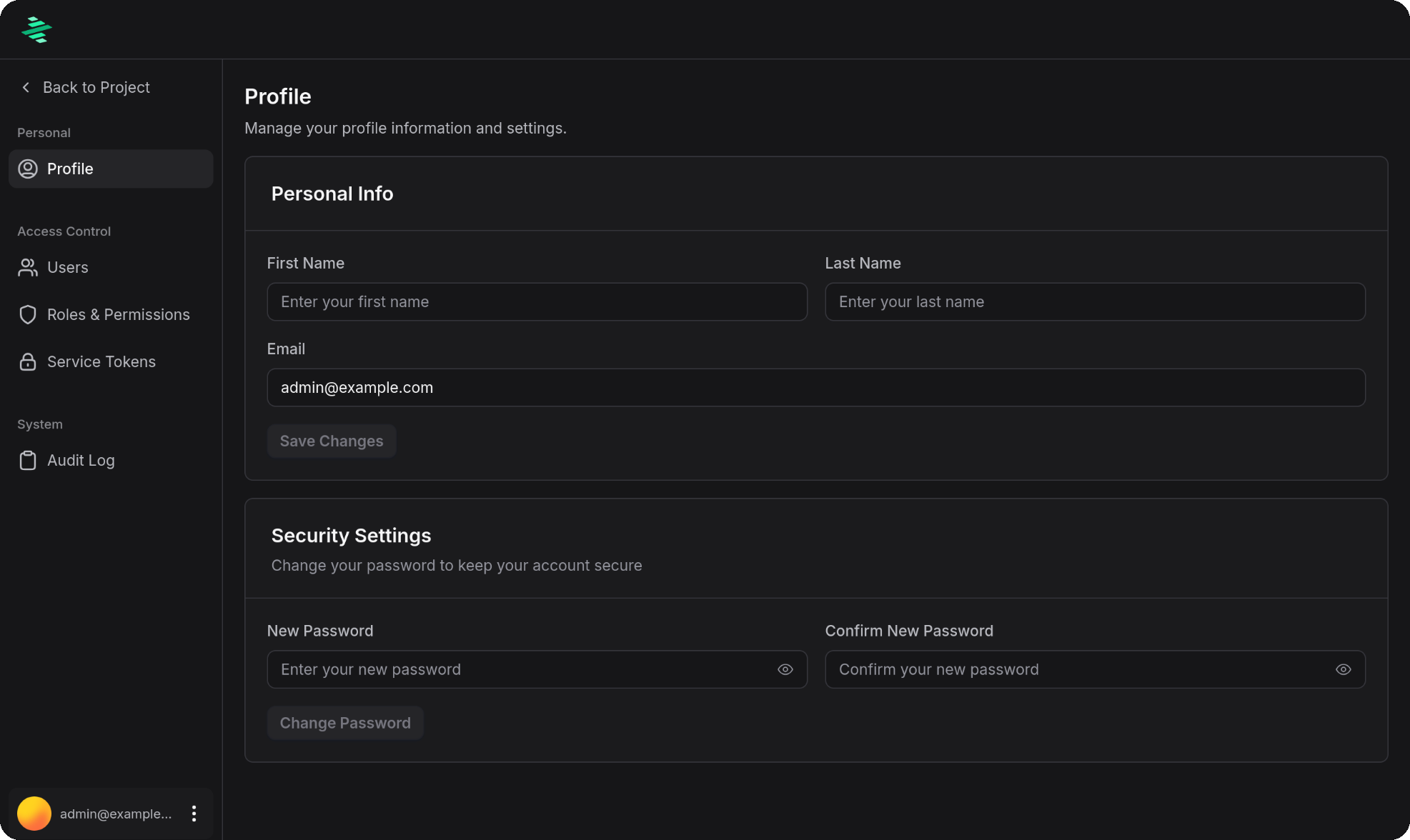
Once logged in, you can access your profile and account settings:
For cookie settings and token validation options that apply to both local and OIDC authentication, see the advanced configuration guide.